How to Upload Music to Spotify
Learn how to upload your music to Spotify with this simple step-by-step guide. Find out what you need, choose the right distributor, and get your music streamin
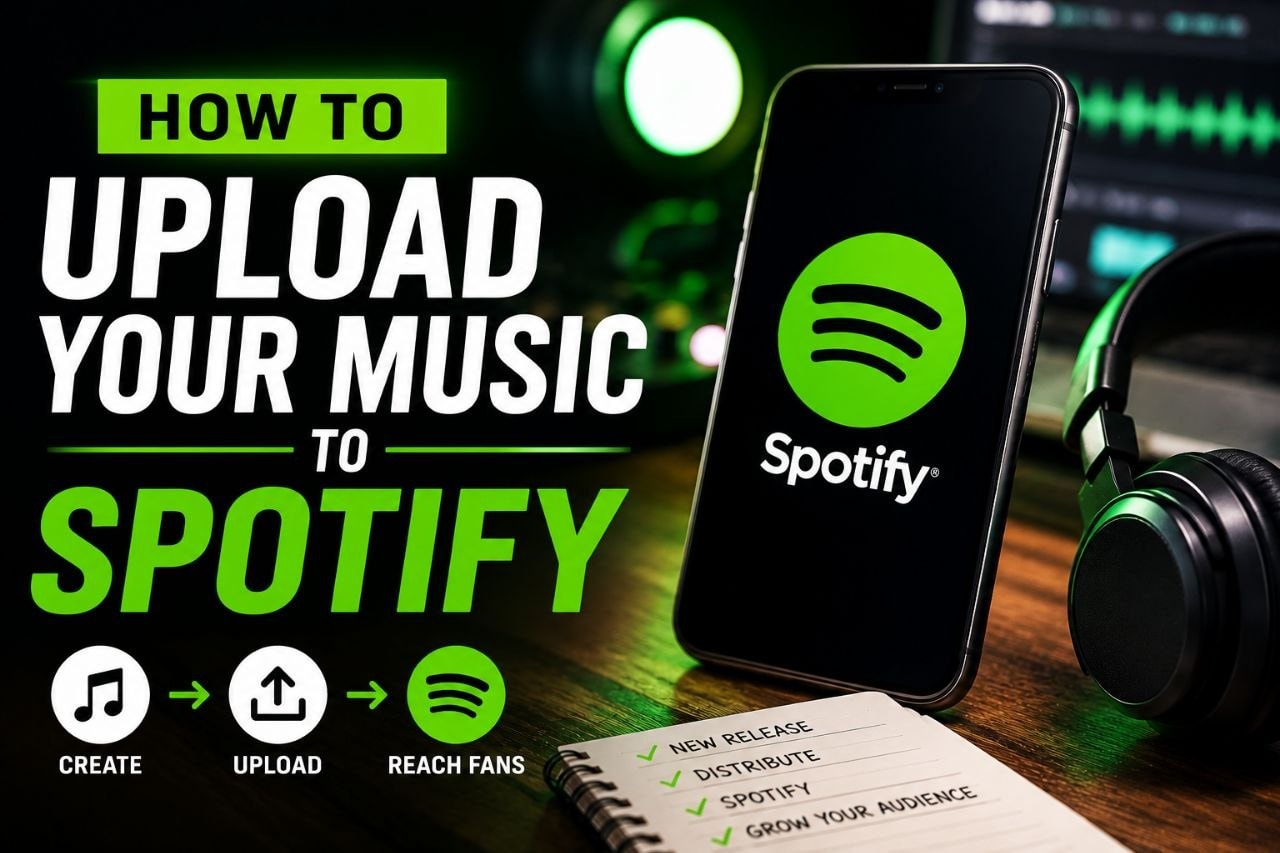
Getting your music on Spotify is easier than many new artists think. While Spotify doesn’t allow independent artists to upload songs directly, you can use a music distributor to get your tracks on the platform and other streaming services.
Choose a Music Distributor
A music distributor delivers your songs to Spotify and other streaming platforms. Popular options include:
- DistroKid
- TuneCore
- CD Baby
- UnitedMasters
- LANDR
Compare their pricing and features before choosing one.
Prepare Your Music
Before uploading, make sure you have:
- Your final song (WAV format is recommended)
- A high-quality cover image (3000 × 3000 pixels)
- Song title and artist name
- Genre and release date
- Featured artist details (if any)
Upload Your Song
Sign in to your chosen distributor and:
- Upload your audio file.
- Add your cover artwork.
- Enter your song information.
- Select Spotify as a streaming platform.
- Submit your release.
Most distributors will deliver your music to Spotify within a few days, but uploading 2–4 weeks before your release date is recommended.
Claim Spotify for Artists
Once your song is live, claim your Spotify for Artists profile. This allows you to:
- Edit your artist profile
- Add photos and a bio
- View streaming statistics
- Pitch new releases for playlist consideration
Promote Your Music
Share your Spotify link on social media, create short videos for TikTok and Instagram Reels, and encourage fans to stream and share your song. Consistent promotion can help you reach more listeners.
Final Thoughts
Uploading your music to Spotify is a simple process when you use the right distributor. Focus on releasing quality music, stay consistent, and keep promoting every release to grow your audience.
Share this article