Best Cloud Storage Services: Which One Is Right for You
Discover the best cloud storage services in 2026. Here’s comparison of the top platforms based on storage space, security, pricing, and ease of use.
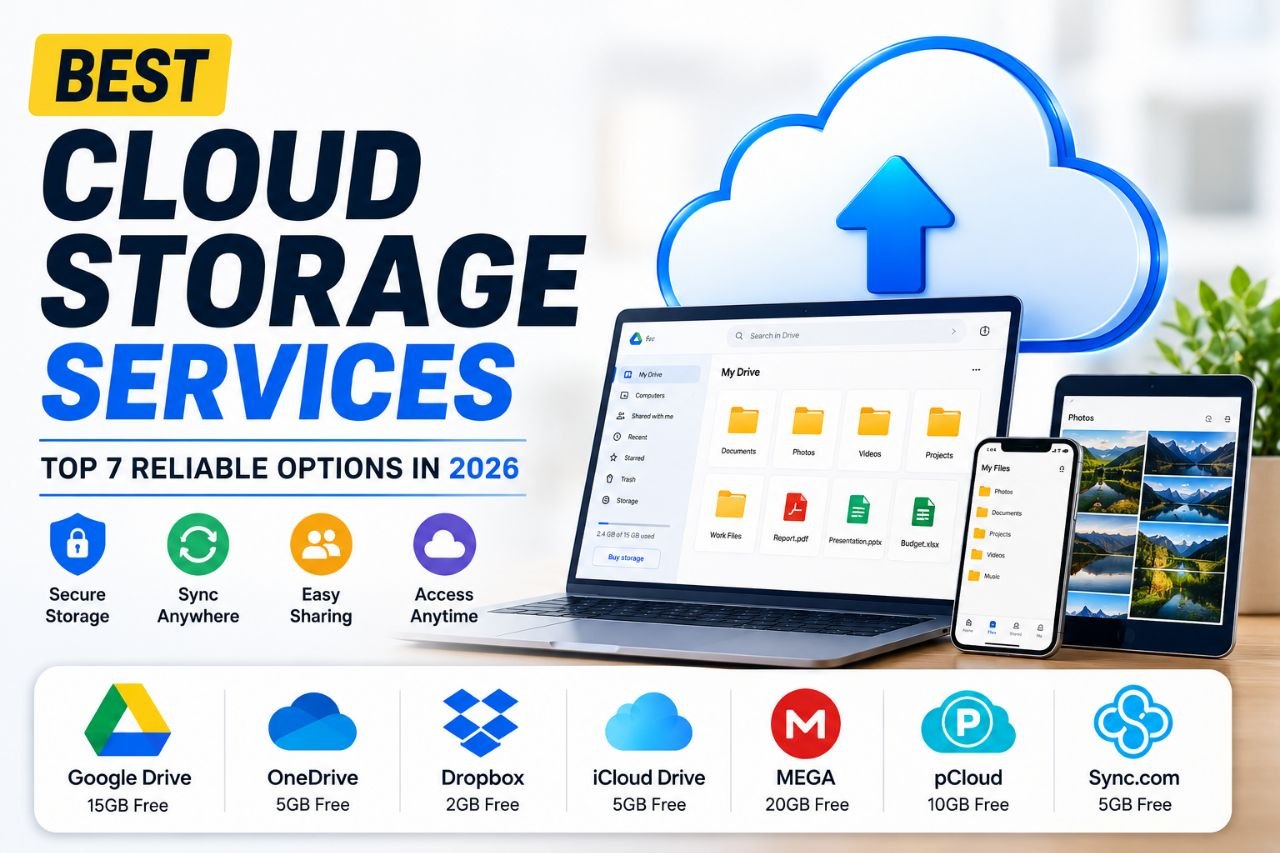
Cloud storage has become an essential part of everyday life. Whether you’re backing up photos, storing work documents, sharing files with teammates, or syncing data across multiple devices, choosing the right cloud storage service can save you time and keep your files secure.
After comparing the leading providers based on storage space, pricing, security, file-sharing features, ease of use, and cross-platform compatibility, here are the best cloud storage services worth considering in 2026.
1. Google Drive
Google Drive remains one of the most popular cloud storage services because of its generous free storage and seamless integration with Google Workspace. It works well for individuals, students, and businesses that rely on Google Docs, Sheets, and Slides.
Best for:
- Students
- Everyday users
- Team collaboration
- Document storage
Pros
- 15GB of free storage
- Excellent collaboration tools
- Easy file sharing
- Available on all major platforms
Cons
- Free storage is shared with Gmail and Google Photos
2. Microsoft OneDrive
OneDrive is an excellent choice for Windows users. It integrates directly with Windows and Microsoft 365, making it easy to back up important files and collaborate on Office documents.
Best for:
- Windows users
- Businesses
- Office document storage
- Productivity
Pros
- Excellent Microsoft Office integration
- Automatic PC backup
- Fast synchronization
- Strong security features
Cons
- Free storage is limited compared to Google Drive
3. Dropbox
Dropbox helped popularize cloud storage and continues to stand out because of its fast syncing speeds and reliable file sharing. It’s particularly useful for professionals who frequently collaborate on large files.
Best for:
- Freelancers
- Creative professionals
- Business collaboration
- Large file sharing
Pros
- Fast synchronization
- Excellent collaboration tools
- Reliable version history
- Easy file recovery
Cons
- Limited free storage
4. iCloud Drive
If you’re deeply invested in the Apple ecosystem, iCloud Drive offers one of the smoothest cloud storage experiences available. Files automatically sync across your iPhone, iPad, and Mac without requiring extra setup.
Best for:
- Apple users
- Photo backups
- Device synchronization
- Personal storage
Pros
- Seamless Apple integration
- Automatic backups
- Easy file access
- Secure encryption
Cons
- Less convenient for Android and Windows users
5. MEGA
MEGA has built a strong reputation by focusing on privacy and security. It offers end-to-end encryption, ensuring only you can access your files.
Best for:
- Privacy-conscious users
- Secure document storage
- Personal backups
Pros
- Strong encryption
- Generous free storage
- Secure file sharing
- Easy-to-use interface
Cons
- Transfer limits on free accounts
6. pCloud
pCloud is one of the few cloud storage providers that offers lifetime storage plans instead of recurring monthly subscriptions. It also provides excellent performance and optional client-side encryption.
Best for:
- Long-term storage
- Media files
- Personal backups
- Professionals
Pros
- Lifetime payment option
- Fast uploads
- Reliable syncing
- Strong security
Cons
- Advanced encryption requires an additional purchase
7. Sync.com
Sync.com is designed with security in mind. It offers zero-knowledge encryption, meaning even the company cannot access your stored files.
It’s an excellent choice for users who regularly store sensitive documents.
Best for:
- Businesses
- Legal documents
- Financial records
- Private file storage
Pros
- Zero-knowledge encryption
- Excellent privacy
- Secure sharing
- Good value for money
Cons
- Slightly slower syncing than some competitors
Which Cloud Storage Service Is Best?
The right cloud storage service depends on how you plan to use it.
- Best overall: Google Drive
- Best for Windows users: Microsoft OneDrive
- Best for file sharing: Dropbox
- Best for Apple users: iCloud Drive
- Best for privacy: MEGA
- Best lifetime value: pCloud
- Best for secure document storage: Sync.com
For many users, combining two services—for example, Google Drive for collaboration and MEGA for private backups—can provide the best balance between convenience and security.
Final Thoughts
Cloud storage has become much more than just a place to save files. Modern services now offer automatic backups, real-time collaboration, advanced security, and seamless syncing across multiple devices.
Share this article
More from Global
View all →
Global
Mystery Deepens After Viral Post Claims America Secretly Developed Teleportation
A viral social media post alleging that America secretly possesses teleportation technology has ignited online discussion. Here’s a closer look at the claim, th

Global
China Unveils 5,000 AI Training Opportunities for Developing Nations
China plans to provide 5,000 AI training opportunities for developing nations over the next five years. Here’s a closer look at the initiative, its goals, and i

Global
Best Countries for Remote Workers
Looking for the best place to work remotely? Here are the top countries in 2026 based on affordability, internet speed, visas, and overall quality of life.